Understanding Modern Video Switching and Distribution Solutions #
Video switches, splitters, and matrix devices play a pivotal role in today’s audio-visual (AV) environments, offering flexible and efficient ways to manage multiple video sources and displays. This guide provides an in-depth look at these devices, their features, and how to select the right solution for your needs.
Key Device Types and Their Functions #
- Video Switcher: A device that connects multiple video sources to compatible displays, allowing users to easily switch between sources without the need to reconnect cables.
- Video Splitter: A signal-boosting device that duplicates a single video source, broadcasting it simultaneously to multiple displays.
- Video Matrix: Combines the functionalities of a switch and splitter, enabling the routing of multiple sources to multiple displays. Users can assign any input to any output, or even multiple outputs.
- Video Scaler: Converts video signals from one resolution or size to another, allowing for upscaling or downscaling to match display requirements.
Product Highlights #
 Video Processor, 4K60 2x2 HDMI Video Gear and Video Scaler
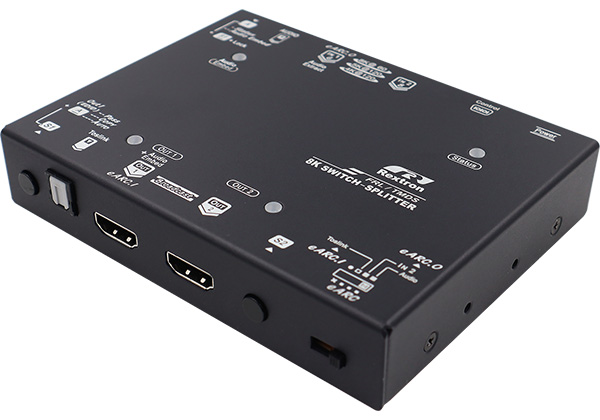 2 Input 2 Output 8K/5K HDMI Switch-Splitter with eARC
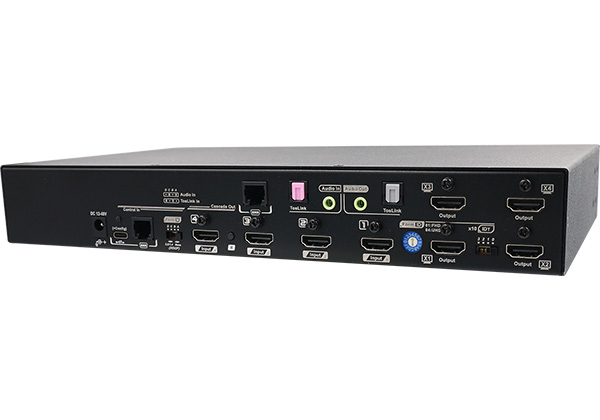 4x4 True 4K HDMI Matrix Switcher with Seamless Switch
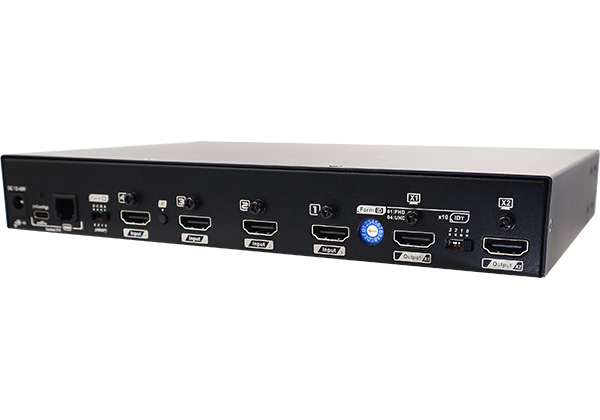 4x2 True 4K HDMI Matrix Switcher with Seamless Switch
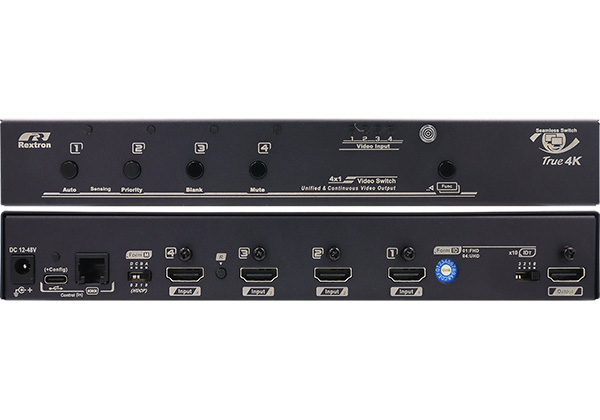 4 Ports True 4K HDMI Seamless Switch with Scaler
 4 Ports 8K DisplayPort 1.4 Video Switch
 2 Ports 8K DisplayPort 1.4 Video Switch
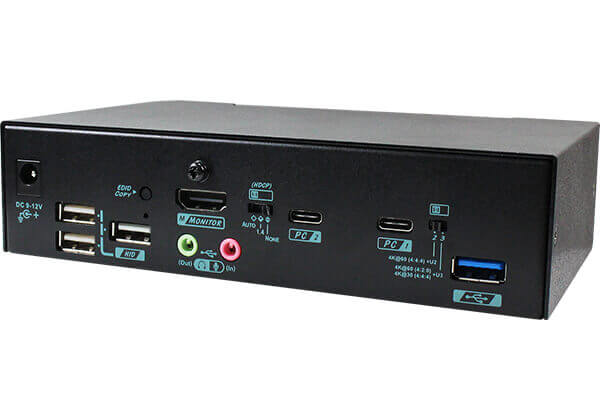 2 Ports True 4K USB C KVM Switch with HDMI Output
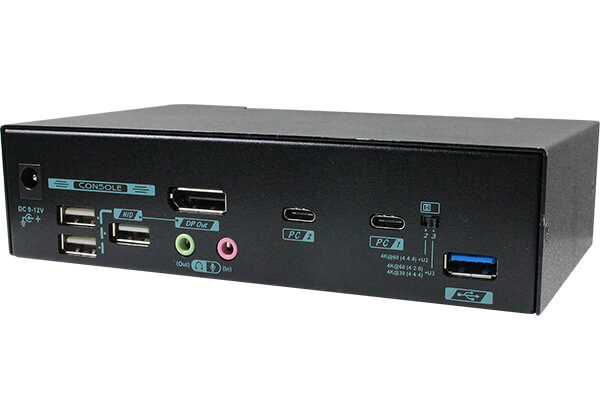 2 Ports True 4K USB-C KVM Switch with DisplayPort output
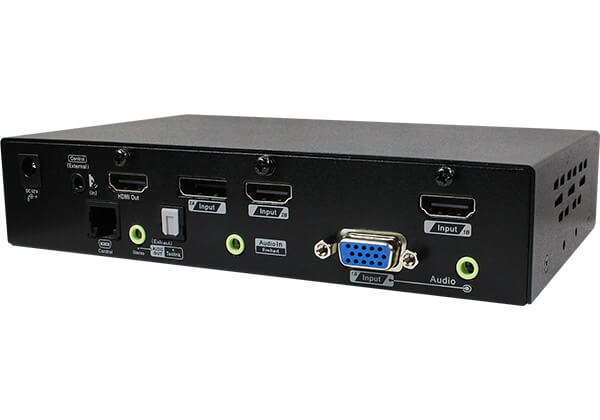 4K 4 Ports Multi-Format Video Switch with PIP
 4K 4 Ports Multi-Format Video Switch with PIP
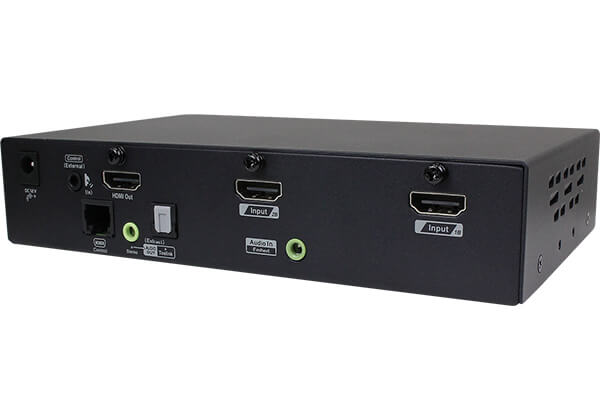 4K 2 Ports HDMI Switch with PIP
Essential Features to Consider When Choosing a Video Switch #
- Supported Resolution: Higher resolutions provide finer image quality. For standard office or surveillance use, 1080P is often sufficient. For digital signage or large screens, 4K or higher ensures optimal pixel density.
- Video Interface Compatibility: The choice of interface (HDMI, DisplayPort, DVI, VGA, USB-C, Hybrid) depends on your source devices. HDMI is common for media players, while DisplayPort or DVI may be preferable for computers.
- Control Methods: Video switches may offer front panel buttons, IR remote control, or serial (RS232) control. Remote and serial options are ideal for integration with environment control systems. For 4K content, HDCP management is also important.
- Video Scaling: Devices may use simple pixel duplication or advanced linear interpolation for scaling. For high-quality upscaling, look for switches with sophisticated interpolation algorithms.
- PIP/PBP (Picture-in-Picture/Picture-by-Picture) Mixing: Traditionally a display feature, PIP/PBP is now available in some video switches, enabling multi-source viewing even on displays without native support.
Advanced Features and Integration #
Rextron’s professional video switches, splitters, matrixes, and scalers support a wide range of interfaces, including VGA, DVI, HDMI, and DisplayPort. Many models feature Auto EDID or EDID learning, ensuring compatibility between sources and displays, and are HDCP compliant for secure content playback. These solutions are designed for easy integration and reliable performance in diverse AV setups.
Special Functions and Control Options #
- eARC (Enhanced Audio Return Channel)
- PIP/PBP (Picture-in-Picture / Picture-by-Picture)
- Scaler and EDID Management
- Auto Sensing
- Audio Embedding/Extraction/Switching
- USB Audio Support
- OSD, Serial, and IR Control
Product Categories and Selection Filters #
- Categories: Matrix, Switch Splitter, Splitter, Switch
- Input Video Types: Hybrid, USB-C, DisplayPort, HDMI, DVI, VGA
- Max. Resolution: 8K, 5K@120Hz, 4K@144Hz, 4K@120Hz, 4K@60Hz, 4K@30Hz, 2560x1600, 1080P
- Control Methods: OSD, Serial, IR
- Special Features: eARC, PIP/PBP, Scaler, EDID Management, Auto Sensing, Audio Embed/Extract/Switch, USB Audio
Additional Resources #
- 8K Series Products
- USB 3.2 Gen 2 KVM Switch (10Gbps)
- HDBaseT 3.0 Extender
- Dual Video extender over one cable
- Seamless Switching Function
- USB-C KVM Switch
- Full-Frame PBP KVM Switch
- PIP/PBP Function
- Dual Display Extender
- DisplayPort Extender
- Mouse Roaming Function
- 4K HDMI IP Extender
- Seamless KVM Switch with Quad View
- Multi-Format Video Extender
- Multi-Format Video Switch
- Video Scaler
For further information, product details, and support, please refer to the Solutions, Buying Guides, and Contact & Support sections.